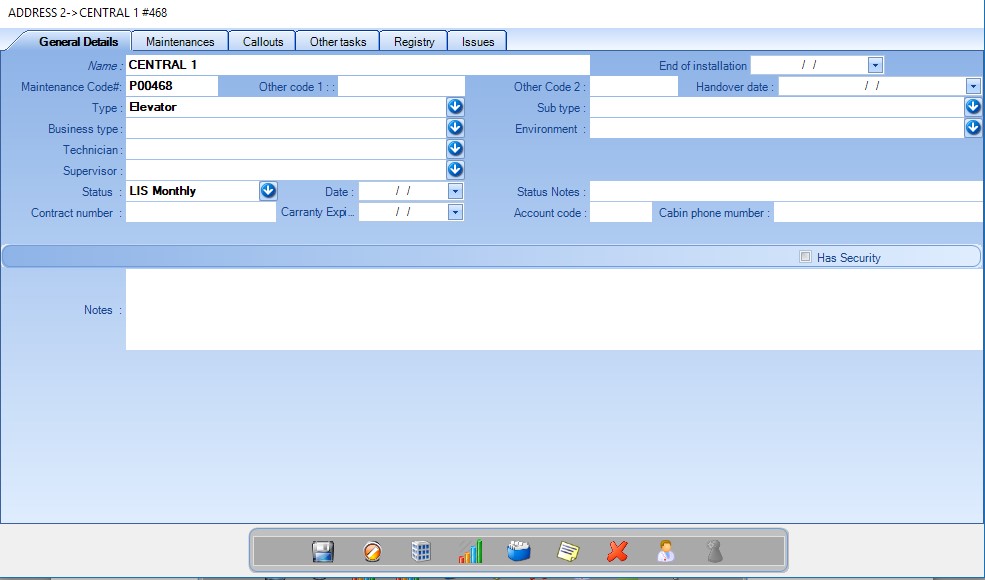
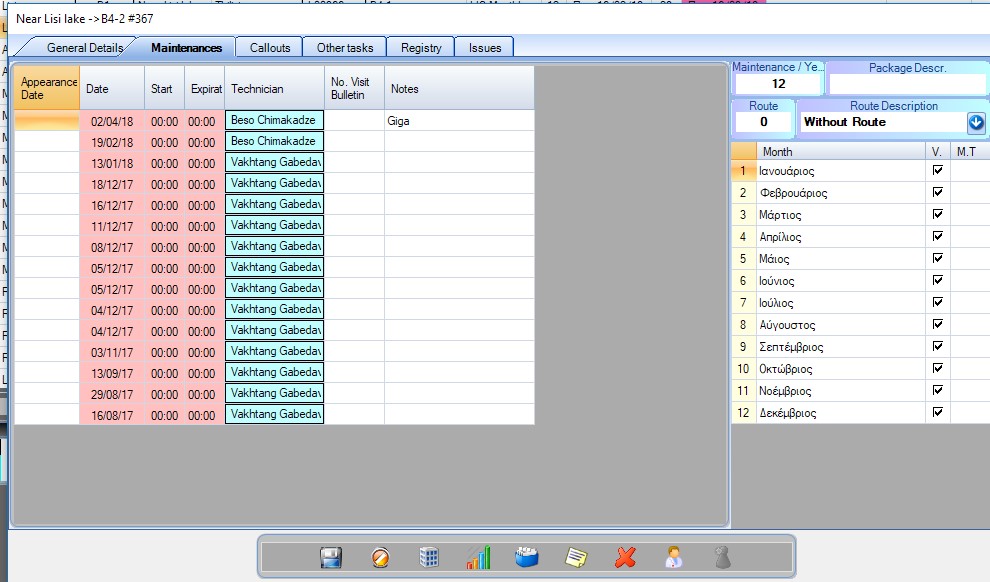
From here you can get an overview of your maintenances of the unit/lift. You can add a new maintenance by right clicking its table. You can also add notes by double clicking on the “notes” column.
On the right table you can view the months on which you are performing maintenance and the routes that your elevator belongs to. See more on Routes.
Maintenance per year: The number of maintenances you perform per year. By default, the number is the number of months you have checked.
Usually you will want to perform maintenance either twice or once per month.
If you have all 12 months checked, but you perform the maintenance twice per month then check all of your months and type 24 at the Maintenance/year field. That will automatically reschedule your maintenance twice per selected month (every 15 days).
If you perform maintenance for 6 months and you want to perform it twice per month then you will have to add 12 as the number of maintenances per year.
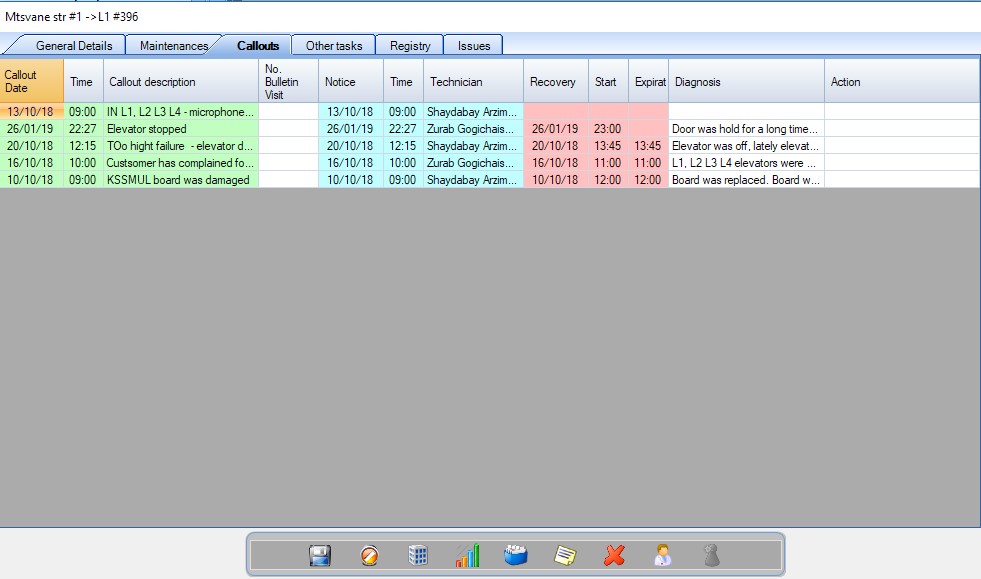
The history of your callouts. You can add a new callout by right clicking on the callout table. That will open the callout form to create new ones or add existing ones either open or closed.
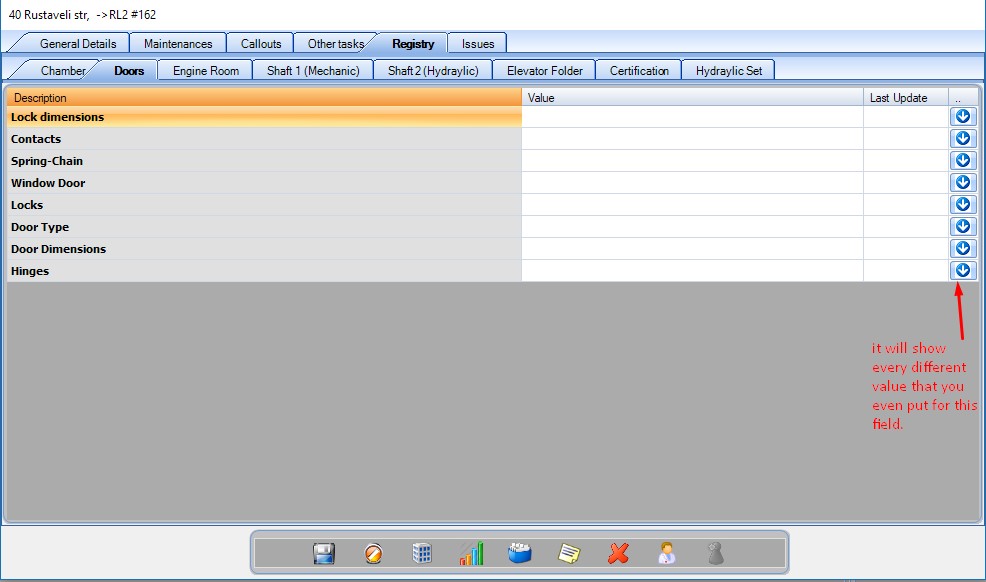
These are the technical characteristics (specifications) of your lift. They are organised on sectors. You can edit their values by double clicking on the “Value” column. You can add values that you have already used by clicking the arrow button.