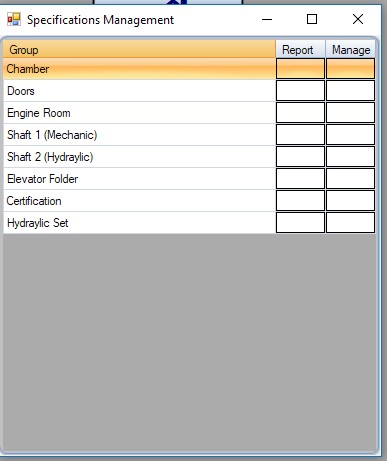
From here you can edit the parents of your specifications. Essentially it will contain the various physical parts of your elevators, or other characteristics like Certifications etc. The parts of the specification may contain other fields,
to manage those fields click manage
to edit their description double click within the column ‘group’.
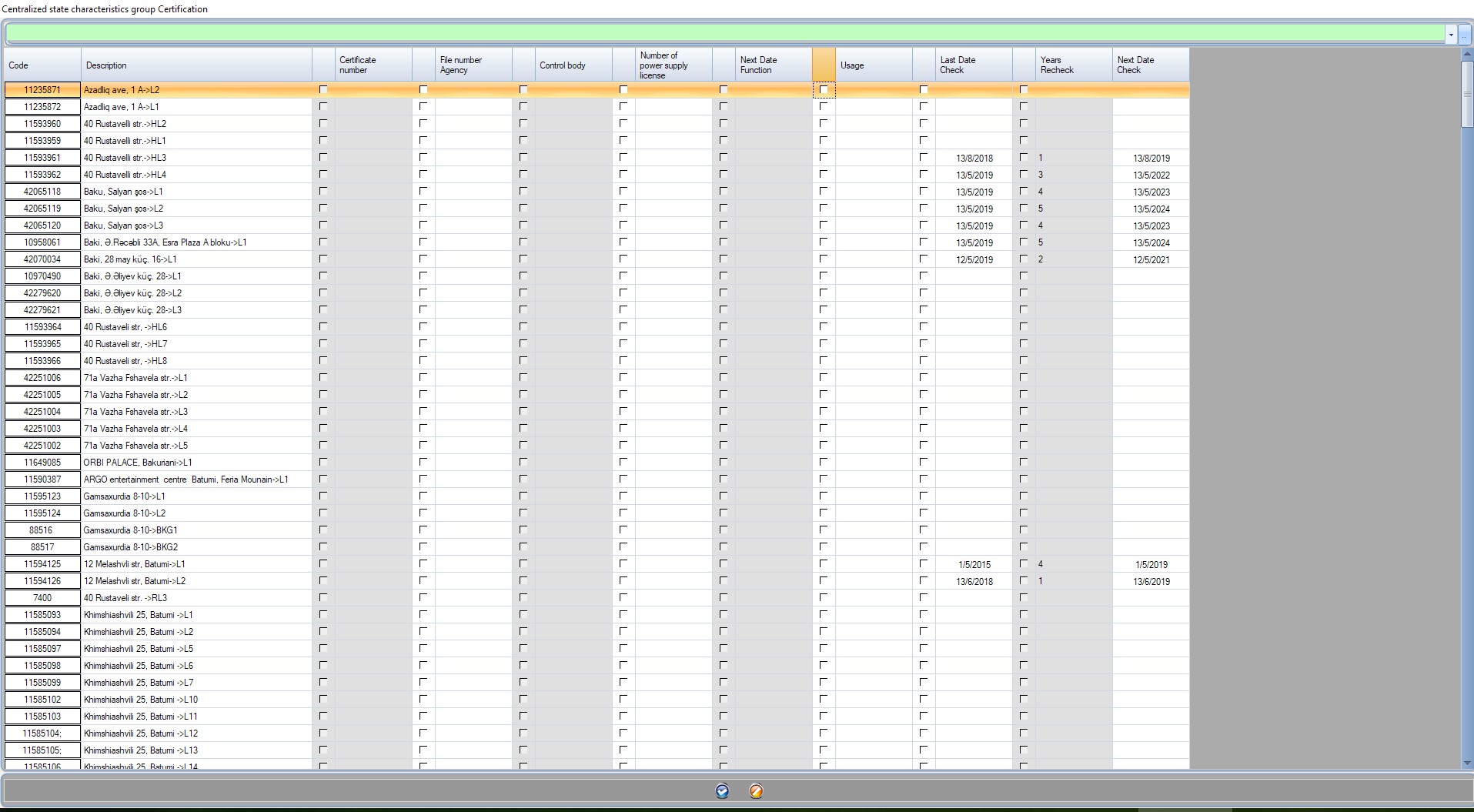
report: will open a form with all of your elevators and the fields of this specification. it is an easy way to massively edit specification inside the elevator.
report
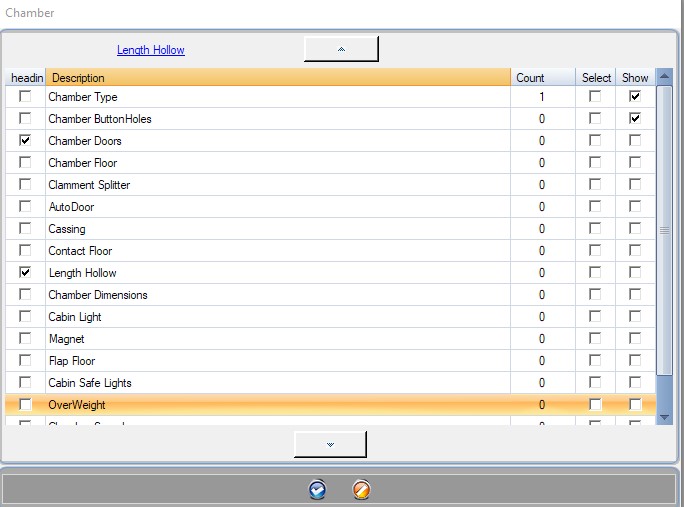
Manage technical fields
Every specification has technical fields.
Add new by double clicking and selecting add new
Edit heir description by double clicking within the collumn Description
Show: If you want to have the technical fields displayed within the elevator card on the search check “Show”
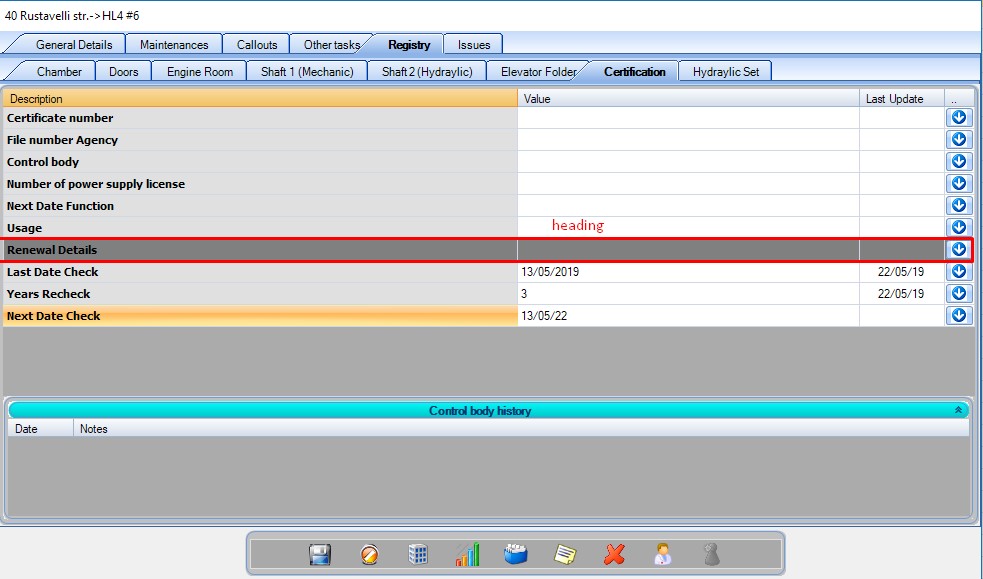
Heading: By checking heading the field will not be used as a technical field but as an organizational header that seperates technical fields!
Count: How many elevators have the technical field.
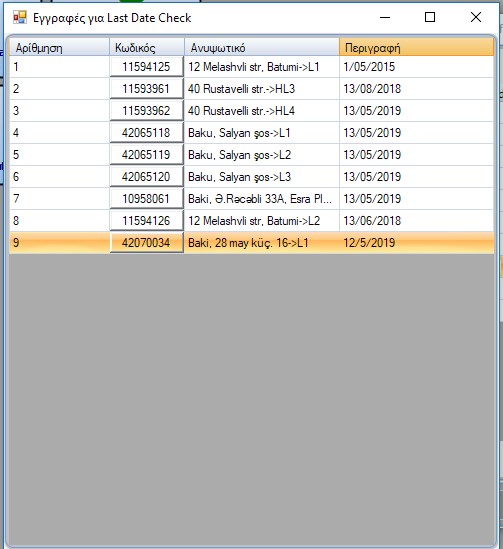
Double-click -> show records: will show the records that contain this field.
Order your specifications by using the arrows on top and bottom.
show report.
use of “Heading”
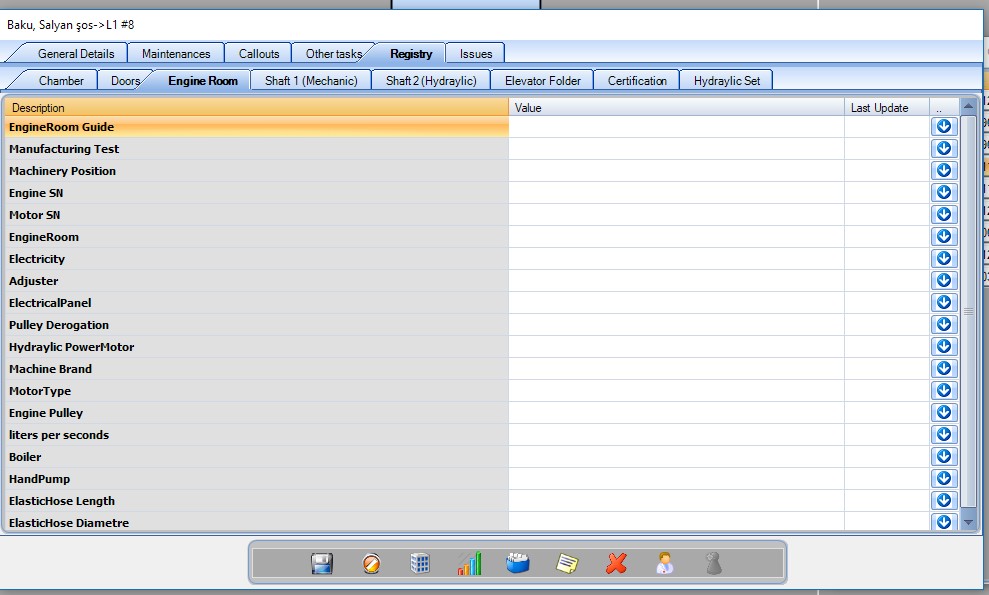
Where to edit the technical fields values of your elevators.
On your elevator form
Within a form of an elevator by going to the registry tab.
On Specification report
By clicking the report button of a specification in the specification form management. You can massively manage fields on all of your elevators!
From t
By clicking the report button of a specification in the specification form management. You can massively manage fields on all of your elevators!