The duty of technicians form is a way to monitor and change the schedule of your technicians for the out of office hours.
By duty of a technician, we imply the technician that will be notified in case of a callout of a unit/elevator, if it after office hours.
Add a technician duty
Main form
Preferences
Duty of Technicians
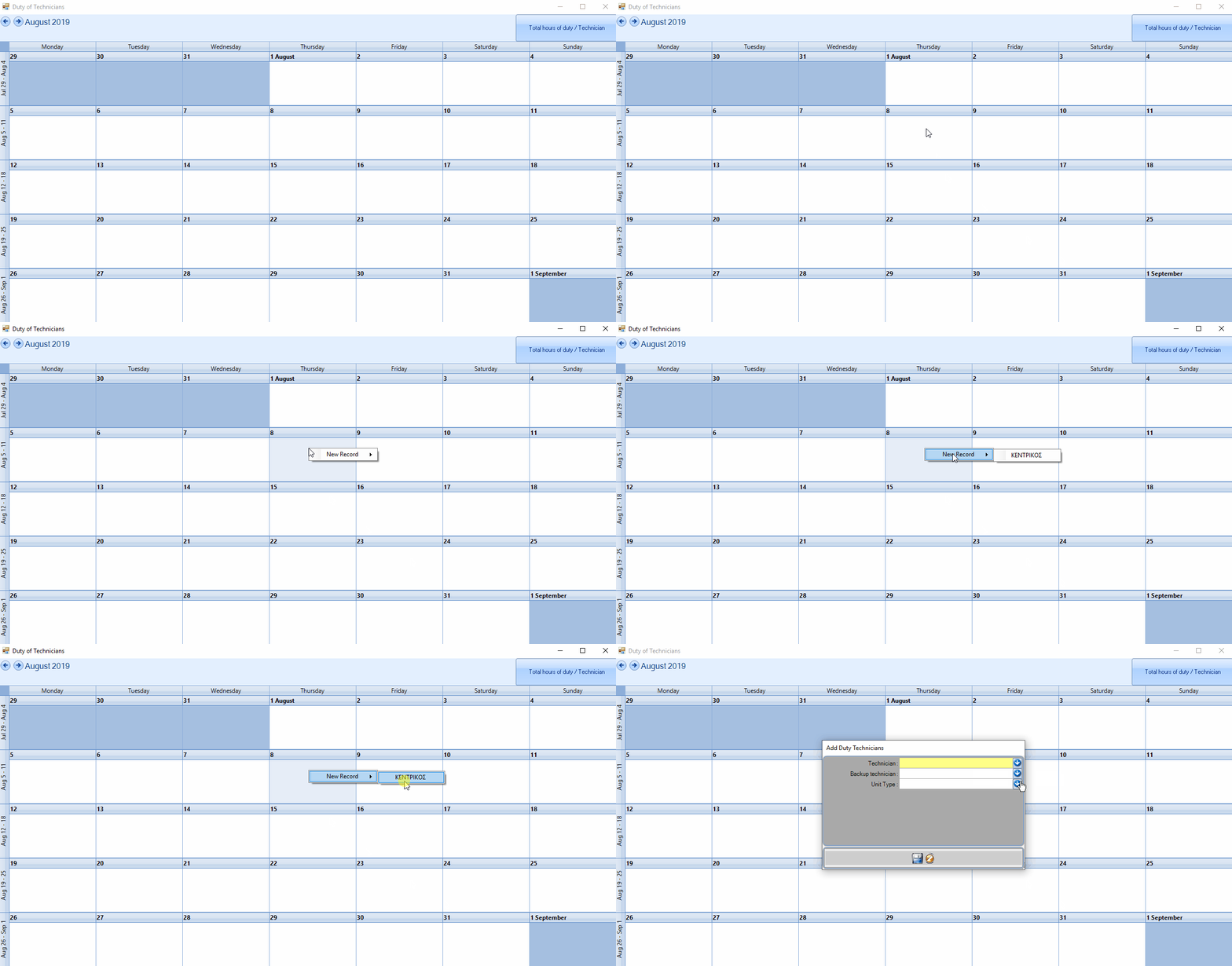
In this form, you can edit the shifts, by choosing the day and then right clicking it. A new form will appear to add the shift.
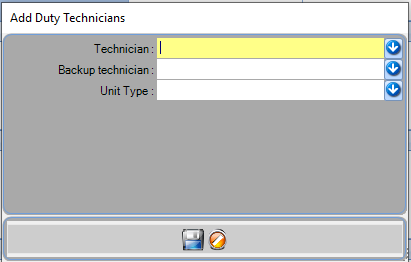
Add Duty Techicians form
The duration of the shift is predefinedTo edit the duration, you need to edit the shift.
Technician: Name of main technician.
Backup Technician: Name of the backup technician.
Unit type: Type of unit (i.e. elevator).
Edit technician duties
There are two ways to edit shifts.
For single shifts, by right clicking on a shift, the edit window will show up.
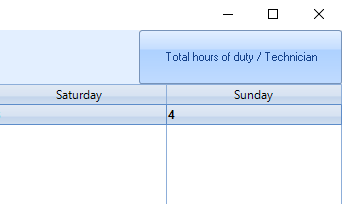
To edit multiple shifts, by pressing the button on the top right Total hours of duty/ Technician.
Overall duty of technicians per month
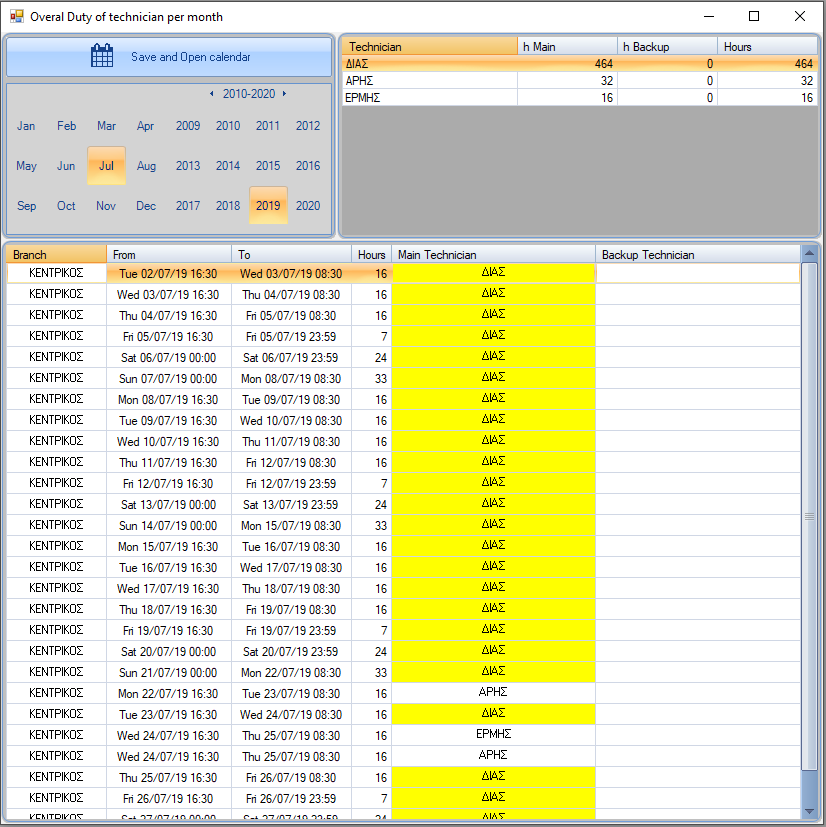
By pressing the button Total hours of duty/ Technician, the form overall duty of techicians per month will show up.
From the months list, you can choose the month of your choice.
The Technician list will show you all the technicians and their total shifts. It shows on the top right of the form. By selecting a technician from the list, their shifts will get highlighted on the list below
All shifts will appear on the bottom of the form. The fields can be edited by double clicking on them.
The changes will apply after saving them.To see the changes on the list, you must save them by clicking Save and Open calendar and then reopen the form.