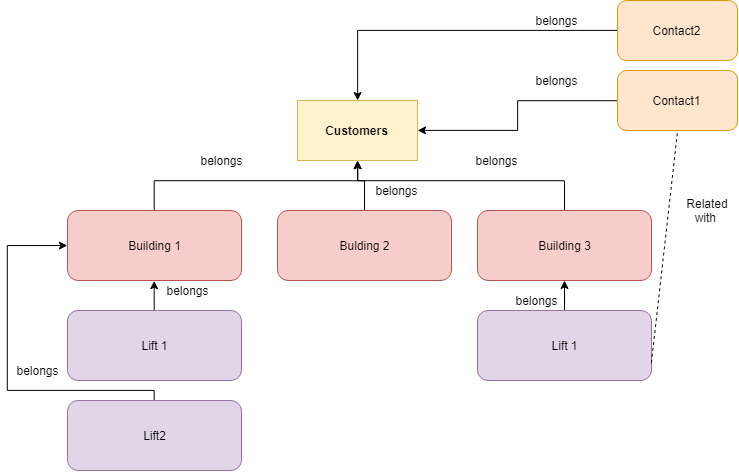
That means that the other entities, Buildings and Contacts, are tied to them.
The form
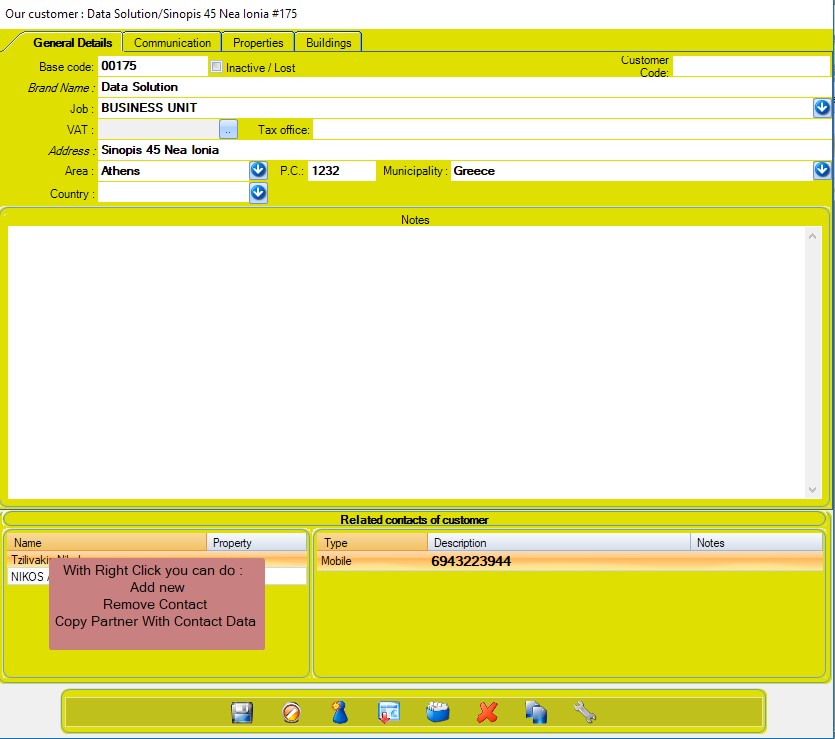
General details
From here you can manage the main details of your custmer.
Base code: The default code that WinLift assigns to the customer. The user can edit the code.
Customer Code: A secondary code, that can be used optionally if you absolutely need a second ID for your customer (i.e. when connecting with another software)
Inactive/Lost: If this customer does not belong to you anymore, but you still need to have him registered in the software.
The customer’s related contacts can be viewed at the bottom and new contacts can be added by right clicking on it. The related contacts section can be viewed from all the tabs.
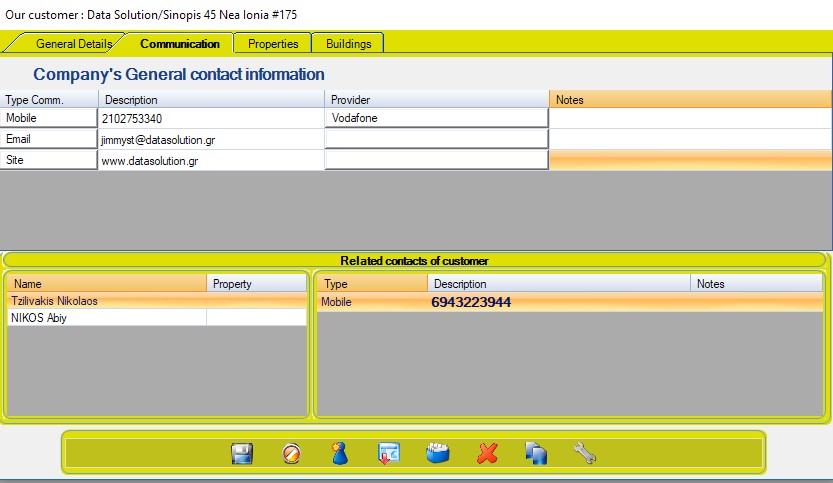
Communication
In this tab there are the general contact details of customer’s company regardless if there are other physical contacts attached. You can add new contacts by right clicking within the top table.
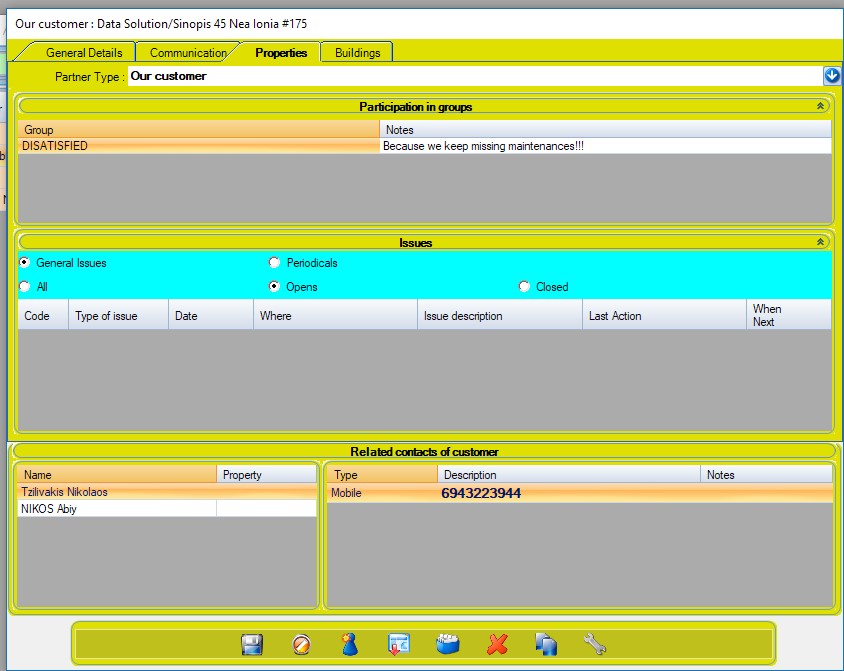
Properties
From properties you can manage groups and opened issues about the customer. you can also add new ones, by right clicking within its respective table.
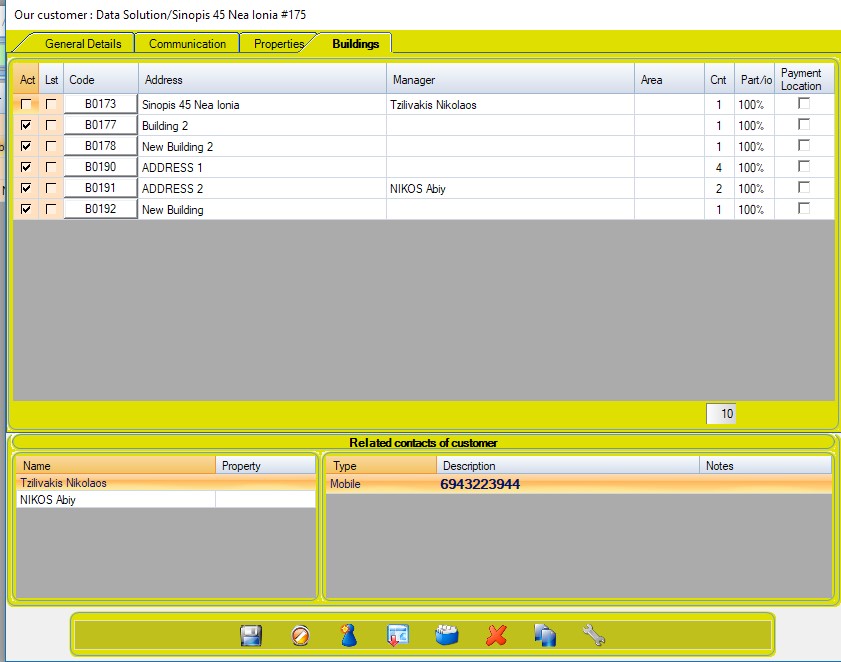
Buildings
From here you can add new buildings to your customer, by right clicking wtthin its respective table.
Cnt is the number of elevators that each building has (cnt)